Free · No account · No server
Write Markdown.
Publish HTML.
A powerful, local-first Markdown editor with live preview, four themes, Mermaid diagrams, KaTeX math, and one-click HTML export.
A powerful, local-first Markdown editor with live preview, four themes, Mermaid diagrams, KaTeX math, and one-click HTML export.
MD2Web goes well beyond basic Markdown — it supports a rich set of extensions out of the box.
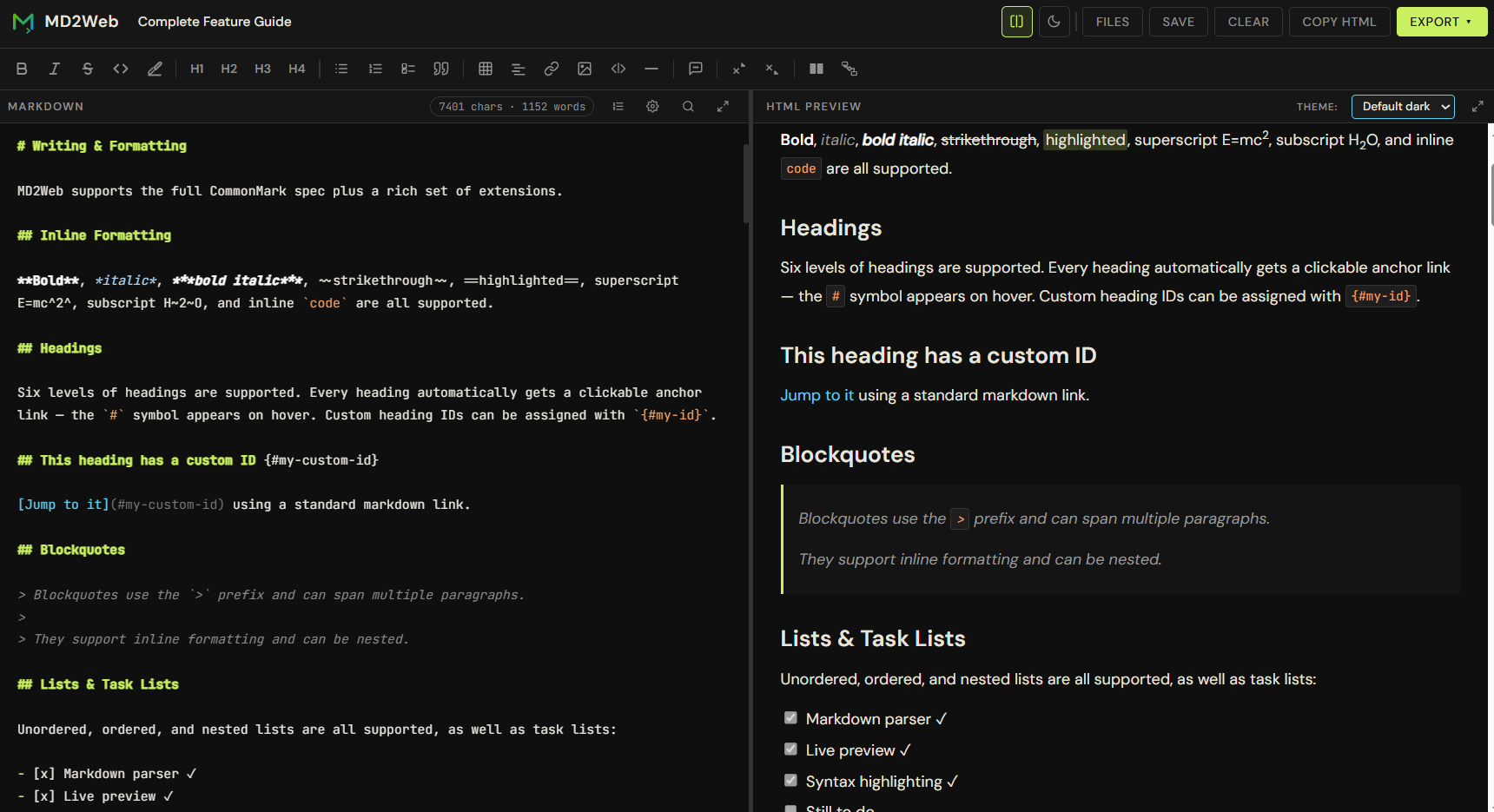
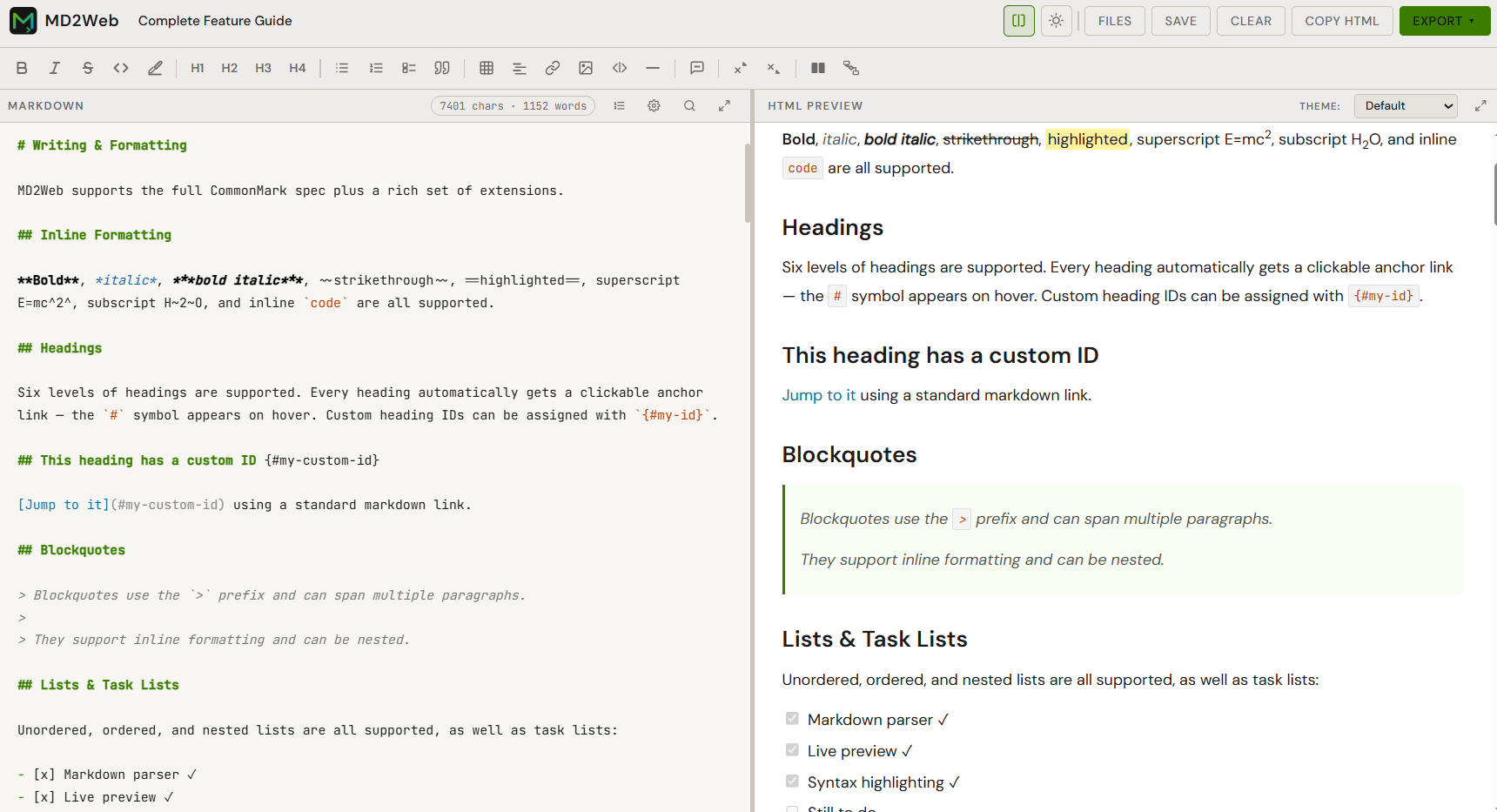
See your HTML rendered in real time as you type. Four themes — Default, Pico, Water.css, and Sakura — each available in light and dark.
Embed flowcharts, sequence diagrams, Gantt charts and more using plain text syntax — rendered live in the preview.
Write LaTeX math expressions inline with $...$ or as display blocks with $$...$$.
Export to a fully self-contained HTML file with embedded CSS, Open Graph meta tags, dark/light toggle, and deep linking support.
Multiple H1 headings automatically become a multi-page site with a navigation bar. Add a table of contents sidebar with a single frontmatter flag.
All your files are stored in the browser's localStorage — no account, no cloud, no server needed. Your data never leaves your device.
Choose from eight carefully selected themes — Default, Pico, Water, and Sakura, each in light and dark. Switch instantly without leaving the editor.
Connect your Google account and save or open .md files directly from your Drive — no manual downloads needed.
Copy content from any web page or email and paste it directly into the editor — MD2Web automatically converts the HTML to clean Markdown.
No installation. No build step. No dependencies to manage.
Navigate to /app — that's it. No sign-up, no download, no configuration.
Use the full-featured editor with syntax highlighting, a rich toolbar, search & replace, and keyboard shortcuts.
Watch your document render in real time. Switch themes, toggle dark/light, and scroll in sync between editor and preview.
Download a self-contained HTML file ready to host anywhere — or copy the HTML directly from the preview.
Choose from four carefully selected preview themes — each available in both light and dark.